Guardrails for Promotions: How Broadleaf's Offer Microservice Protects Your Margins
Written bySunny Yu
Published onJul 07, 2026
Running promotions at scale is tricky. You want conversions and engaged customers, but you also need to keep discounts from quietly draining inventory and your bottom line.
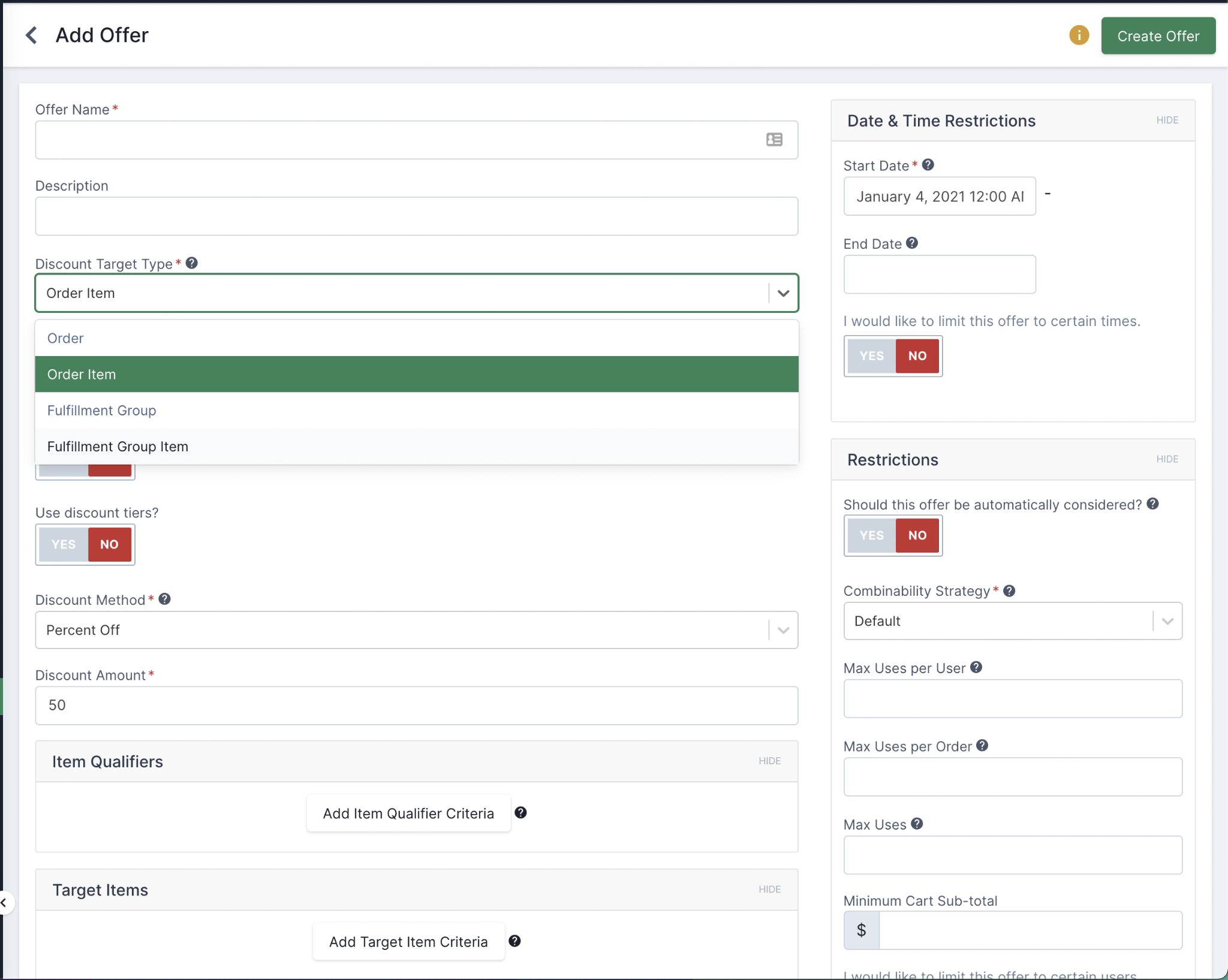
A viral promo with no guardrails can torch your margins in a weekend. Broadleaf Commerce’s Offer Microservice gives merchandisers the controls to prevent that. The targeting engine decides who sees an offer, and the Usage Restrictions control how often it can be used.
Below are five real-world examples that show how merchandisers can use these restrictions to protect the bottom line without souring the customer experience.
A Brief Sidebar: The "Who, What, and When"
One note before the hard limits: the Offer Microservice runs on a flexible RulesEngine, which lets merchandisers target offers with precision.
Customer Targeting: "Only show this to Gold-tier loyalty members."
Item Targeting: "This discount applies only to the 'Spring Collection' category."
Time Targeting: "Run this flash sale only between 2:00 PM and 4:00 PM on Tuesday."
These rules decide who's eligible. Once a customer passes that check, the Usage Restrictions take over to dictate the "how much" and "how often."
Use Case 1: The "Viral Influencer" Campaign
Restriction Focus: Maximum Total Savings (Global Cap)
Imagine you’ve partnered with a mid-tier influencer for a weekend campaign. You’ve allocated a marketing budget of exactly $5,000 for this promotion. You offer a 20% discount code, but there’s a catch: you have no idea if the influencer's post will get 1,000 views or 1,000,000.
The Merchandiser’s Strategy:
You set the Maximum Total Savings to $5,000.
How it works in Broadleaf:
As orders pour in, the Offer Microservice tracks the cumulative discount amount granted across all successful checkouts. Once the "Total Savings" counter hits $5,000, the offer automatically becomes inactive. Even if a customer has the code in their cart, the system will re-evaluate during the checkout flow, see that the limit has been reached, and let the customer know the promotion has ended.
Why it matters: You can be aggressive with your discount percentages (30% or 40% off) because the absolute maximum impact on your balance sheet is capped at your budget.
Use Case 2: The "Whale" Prevention Strategy
Restriction Focus: Maximum Savings Per Order
You’re running a "Customer Appreciation Sale" offering 25% off storewide. This is great for the average customer buying a $60 t-shirt. However, you also sell high-ticket items like $3,000 leather sofas. Without a cap, a single customer buying a sofa could claim a $750 discount, far more than you intended for a general promotion.
The Merchandiser’s Strategy:
You set a Maximum Savings Per Order of $50.
How it works in Broadleaf:
A customer buys three shirts totaling $180. Their 25% discount would be $45. Since $45 is less than the $50 cap, they get the full discount. Another customer puts the $3,000 sofa in their cart. Their 25% discount would be $750. Broadleaf’s Offer Microservice calculates the discount, compares it against the cap, and caps the savings at $50.
Benefit Table:
Customer Type
Cart Total
Raw Discount (25%)
Applied Discount (Cap: $50)
Standard
$100
$25
$25
High-Value
$400
$100
$50
"Whale"
$2,000
$500
$50
Use Case 3: The "New Customer" Hook
Restriction Focus: Once Per Customer
One of the most common promotions is the "Join our newsletter for 15% off your first order." The goal is acquisition. The risk, however, is the "serial couponer" who uses the same code on every subsequent order, or the guest user who tries to game the system.
The Merchandiser’s Strategy:
Enable the Max Uses Per Customer restriction and set it to 1.
How it works in Broadleaf:
Broadleaf utilizes an OfferAuditDetail table to keep a record of every time a specific customer ID consumes an offer. When the customer attempts to checkout, the microservice checks their history. If a record exists for that specific Offer ID and Customer ID, the offer is rejected.
For guest users, Broadleaf can be configured to check against email addresses or other identifiers so "guest" status can't be used as a loophole. That way, your acquisition budget is actually spent on acquiring new customers, not subsidizing repeat ones.
Use Case 4: The "Limited Edition" Drop
Restriction Focus: Maximum Uses Across All Customers (Quantity Cap)
You are launching a collaboration with a designer and want to offer a "First 100 people get $20 off" promotion. This creates a sense of urgency and drives a massive spike in traffic at launch.
The Merchandiser’s Strategy:
Set Maximum Total Uses to 100.
How it works in Broadleaf:
This is a "Global Counter." Unlike the dollar cap in Use Case 1, this counts instances of use. This matters most during traffic spikes, where Broadleaf's architecture handles "race conditions." If 500 people hit the "Place Order" button at the exact same second, the microservice uses atomic increments and checks to ensure that only the first 100 successful transactions receive the discount. The 101st person will see their total update to the full price before the final payment is processed.
Use Case 5: The "Buy One, Get One" (BOGO) Boundary
Restriction Focus: Max Uses Within a Cart
You’re running a "Buy One, Get One 50% Off" sale on sneakers. While you want to encourage people to buy more, you might want to prevent a reseller from clearing out your entire stock of 20 pairs in a single transaction using the discount.
The Merchandiser’s Strategy:
Set Max Uses Per Cart to 2.
How it works in Broadleaf:
If a customer puts 2 pairs of shoes in their cart, they get 1 at 50% off (1 use of the offer). If they put 4 pairs in their cart, they get 2 at 50% off (2 uses). However, if they put 10 pairs in their cart, the restriction stops the offer from applying on the third, fourth, and fifth uses. They still only get 2 shoes at the discounted rate. Customers are encouraged to stock up, but a single buyer can't wipe out your inventory.
The Technical Edge: Why It Works
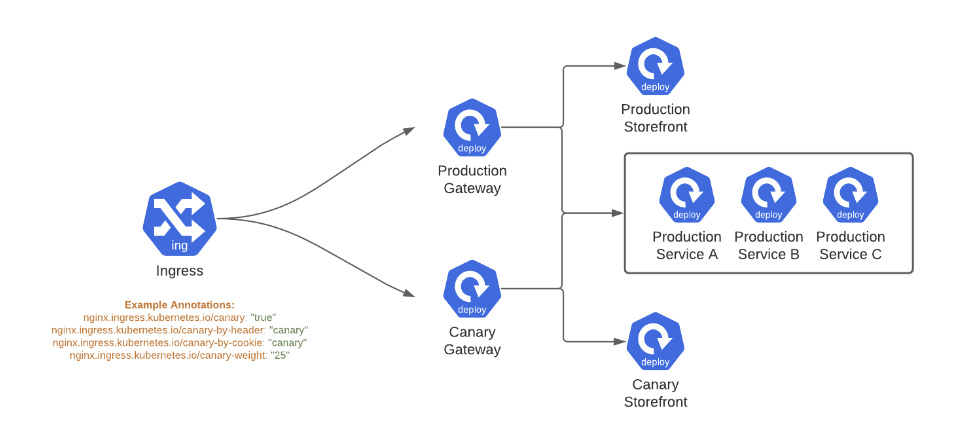
From a technical perspective, what makes Broadleaf’s approach superior is its Distributed Locking and Auditing. In a microservice environment, multiple instances of the offer service might be running at once. Broadleaf ensures that these usage limits are respected across all instances.
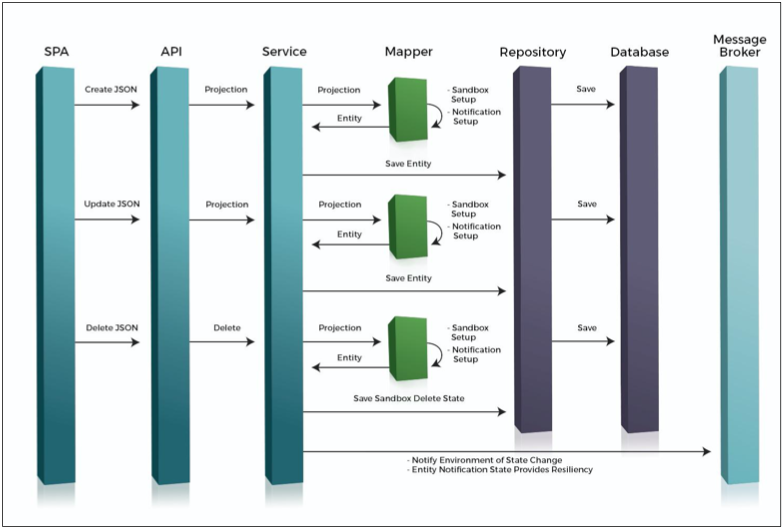
Offer Auditing: Every time an offer is used, a record is created. This isn’t just for history; it’s a functional part of the restriction logic.
Real-Time Validation: Restrictions are checked at the “Pricing” stage and re-validated at the “Checkout” stage. This prevents “stale” discounts from being honored if a limit was reached in the seconds between a user adding an item to the cart and finally clicking “Pay.”
Atomic Increments: For global limits, Broadleaf uses high-performance counters to ensure accuracy even during massive traffic spikes (like Black Friday).
Conclusion: Balance and Control
Every eCommerce merchandiser is trying to drive conversion without hurting the business. Broadleaf Commerce’s Offer Microservice gives you the fine-grained controls to do both.
Use Maximum Total Savings to cap your budget, Once Per Customer to keep things fair, and Max Per Order to shut down high-ticket exploits. Set the rules once and let the microservice enforce them. Then go run the next campaign.